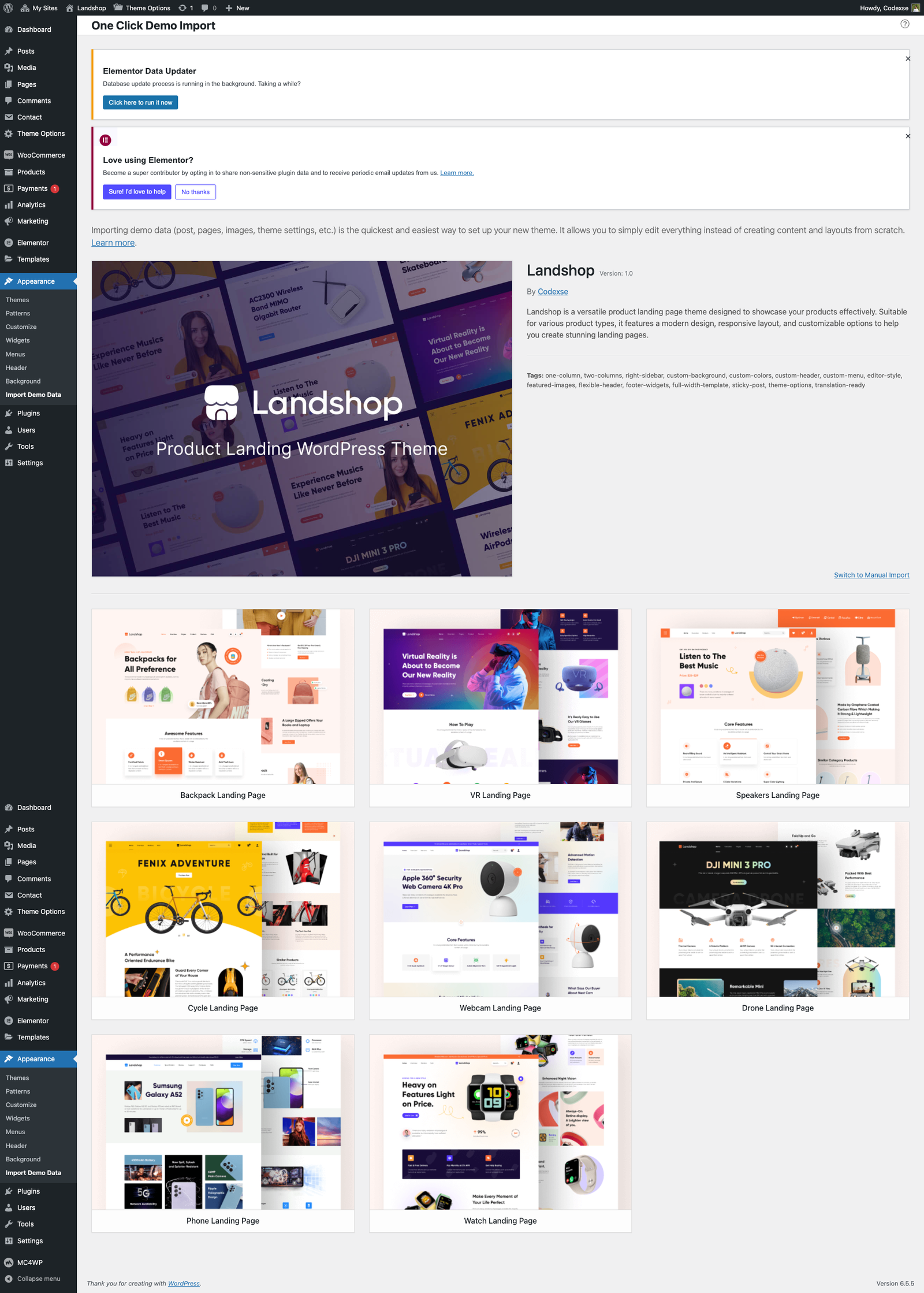
Note: Importing demo content is optional.
Our themes come with single-click importable demo content (pages, blog posts, forms, etc.) to help you get started if you have a fresh WordPress installation.
Before importing, ensure you have installed the theme and recommended plugins. Additionally, make sure the Landshop Themes Helper plugin is installed.
- Navigate to Appearance → Import Demo Data.
- Read the Important Notes.
- Select the desired demo and click Import. The import time depends on the speed of the Internet connection and the resources of your server.